
How to Actually Make Money with 3D Printing
Buying a printer is the easy part. Anyone can do it, which is exactly the problem. If the only thing between a customer and your product is a cheap machine and a free file, you don’t have a business. You have a race to the bottom.
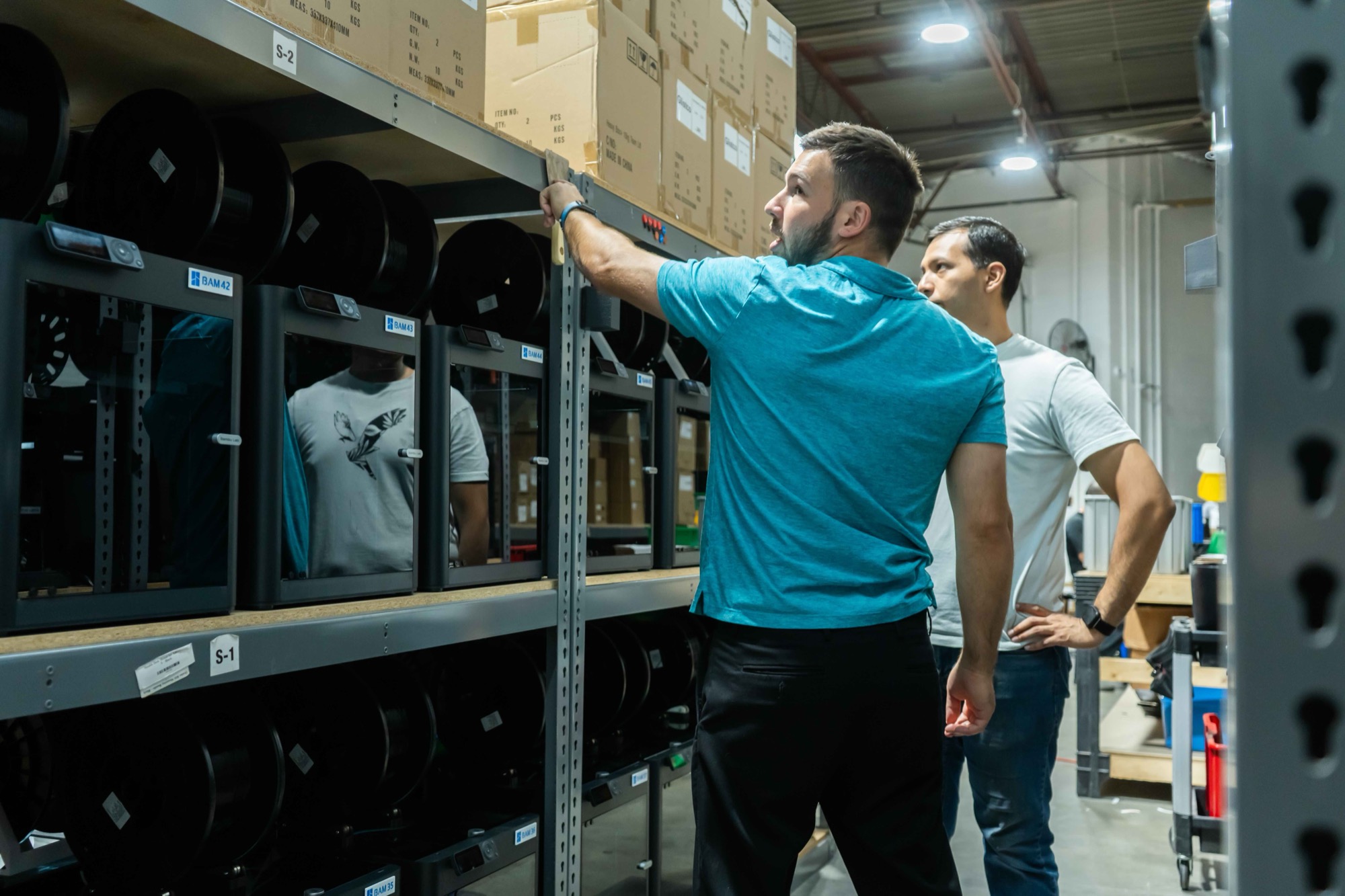
I ran a farm of 90+ printers. Here is what I would tell anyone starting out.
1. Don’t sell what everyone else can download
The most popular models are the worst products. Hundreds of sellers print the same file, so the only thing left to compete on is price. Many of those files also carry a non-commercial license, so check before you sell someone else’s design.
What makes money is a product only you sell:
- Your own design, built around a problem you understand
- A niche too small for big brands (a part for one hobby, one machine, one trade)
- Custom or personalized work, where the customer can’t comparison shop
- Parts for other businesses, who reorder the same thing every month
2. Price from true cost, not filament
A part with 90 cents of filament in it does not cost 90 cents. Once you count waste, machine time, labor and failed prints, the same part comes out at $3.28 in our worked example. That is 3.6 times the filament number.
Price it off the filament and you can sell a lot of parts while losing money on every one.
Work out the real number first with the free 3D print cost calculator, or read the full walkthrough in How to Calculate the True Cost of a 3D-Printed Part.
3. Count what the sale costs, too
Making the part is only half of it. Selling it has its own costs: marketplace fees, payment fees, shipping, and the returns you will get.
Round example numbers. Fees and shipping vary a lot by channel, so run your own.
Still a profit. But it is $2.92, not the $11.10 you get from price minus filament.
4. Chase repeat orders, not one-off sales
Every new customer costs you time: messages, photos, listings, questions. A customer who reorders the same 50 parts every month costs almost nothing after the first sale.
One good repeat account is worth more than a hundred one-off orders. Look for buyers who use your part up or resell it.
5. Fill the printers you have before buying more
More printers feels like growth. Usually it is not. Most farms have printers sitting idle for hours waiting for someone to clear a plate or start the next job.
Before you buy another machine, check how many hours a day your current ones actually print. Getting an idle printer from 8 hours a day to 16 doubles its output without buying another machine.
6. Don’t run out of the boring stuff
The fastest way to lose a good customer is to be out of something on the day they order. Sometimes it is their filament color. More often it is boxes or labels. An order you can’t ship earns nothing.
Know how much of each material you use and how long your supplier takes, and reorder before you are short. The reorder point calculator gives you the number.
The short version
- Sell something only you sell.
- Know your true cost per part.
- Subtract the cost of selling it.
- Go after customers who reorder.
- Fill your printers before you add more.
- Never run out of materials.
None of this is about the printer. That is the point. The printer is a tool. The business is the product, the price and the stock behind it.
Where inventory software fits
Once you have real products and repeat customers, the job becomes keeping track: what goes into each product, what it costs, what you have, and what to reorder. That’s what we built Skyrio for, after running into all of it in our own shop.