
How to Track BOMs and Manufacturing Materials
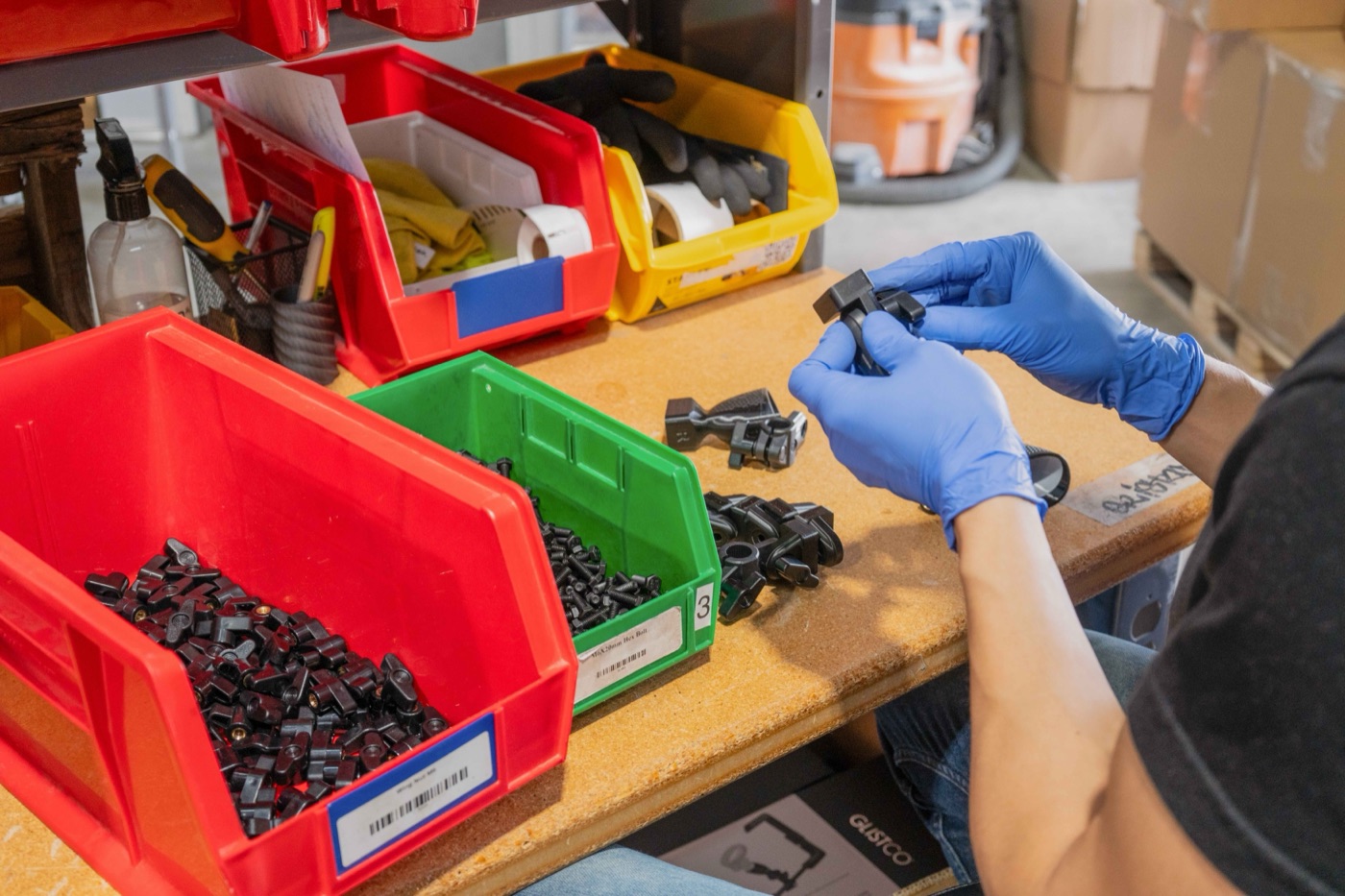
If you make what you sell, you have two inventories. The finished products on the shelf, and everything that goes into them. Most small shops only track the first one.
That is why they find out they are out of labels on the day a big order is due.
Here is how to track both without it becoming a second job.
What a bill of materials is
A bill of materials (BOM) is the recipe for one product: every material and part that goes into one unit, and how much of each.
Quantity per finished unit. Round example numbers.
That’s it. A list and a quantity. Everything else in this post is built on that list.
1. Put everything in the BOM, including the boring stuff
The main material is rarely what stops production. It is the bag, the label, the screw, the box. If it leaves the building with the product, it belongs in the BOM.
Count the waste too. If the part weighs 45 g but uses 53 g of filament with supports and purge, the BOM says 53 g. Otherwise your stock will always read higher than the shelf.
2. Pick one unit per material and stick to it
This one causes a lot of wrong numbers. You buy filament by the kilogram, the slicer reports grams, and someone types 53 into a field that means kilograms. Now one phone stand uses 53 kg of filament.
Decide the unit you count each material in. Write the BOM in that unit. If you buy in a different unit (a case of 500 bags, a 1 kg spool), set the conversion once and never do it in your head again.
3. Deduct materials when you build, not when you remember
When you make 100 phone stands, 5.3 kg of filament, 100 bags, 100 labels and 100 cards are gone. Your stock should drop by exactly that, at the moment the build is done.
Doing this by hand is where spreadsheets break. Nobody updates four rows after every batch. The fix is to record the build once (made 100 of this product) and let the BOM do the subtraction.
4. Track three numbers per material, not one
“How many do we have” is not enough to plan with. For each material you need:
- On hand: what is physically on the shelf
- Committed: what open orders and planned builds will use
- On order: what is coming from suppliers, and when
On hand minus committed is what you can actually use. A shelf with 2 kg of filament and 3 kg already promised to open orders is not 2 kg in stock. It is a shortage.
5. Use sub-assemblies for anything you make ahead
If you build a part first and use it in several products, give it its own BOM. The base that goes into three different stands is a sub-assembly: it has materials of its own, and the final products list it as one line.
This keeps each BOM short, and it lets you stock up on the shared part ahead of a busy stretch.
6. Let the BOM tell you what a product costs
Once the BOM is right, material cost is just arithmetic: quantity of each material times what you paid for it, added up. When a material gets more expensive, you can see which products it hits and by how much.
Materials are only part of true cost. Machine time, labor and failed runs count too. For that side, see How to Calculate the True Cost of a 3D-Printed Part.
7. Set a reorder point for every material
Now that you know how fast each material gets used, you can set the level at which to reorder: enough to cover what you will use while the next delivery is on its way, plus a buffer.
The reorder point calculator works it out from your daily use and supplier lead time.
When a spreadsheet stops working
A spreadsheet is fine for a handful of products. It starts to hurt when:
- You have more than a few dozen products or shared parts
- More than one person builds or receives stock
- You sell on more than one channel
- You have run out of a material you thought you had
At that point you want the build to deduct materials on its own, purchase orders to add them back, and one place that shows what you have, what is spoken for and what is on the way.
That’s what we built Skyrio to do: bills of materials with sub-assemblies, builds that deduct materials automatically, costs based on what you actually paid, and reorder points per material.